rx no.002 ・ video wallpapers
Phosphene
Your videos on the desktop and lock screen.
Add your own video wallpapers to macOS. Choose them in System Settings and let the system play them.
macOS 26 Tahoe · Apple Silicon & Intel · free
01 ・ how it works
Your videos in System Settings.
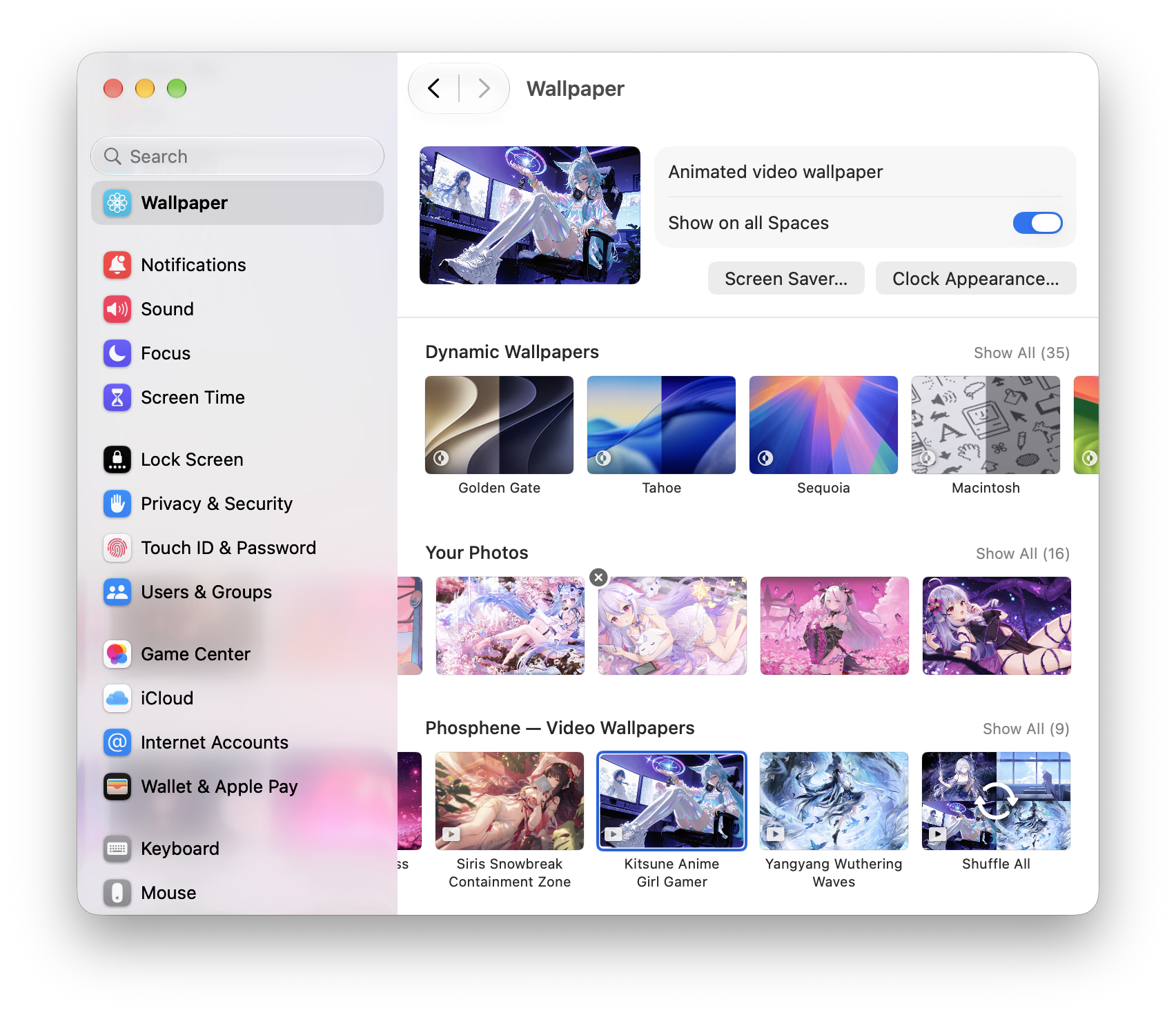
Phosphene uses Apple’s wallpaper framework to play your videos on the desktop and lock screen.
Drag a video into the library or menu bar, then select it in System Settings → Wallpaper. macOS runs the wallpaper itself, alongside its built-in collections.
02 ・ the label
Choose a video. Set your wallpaper.
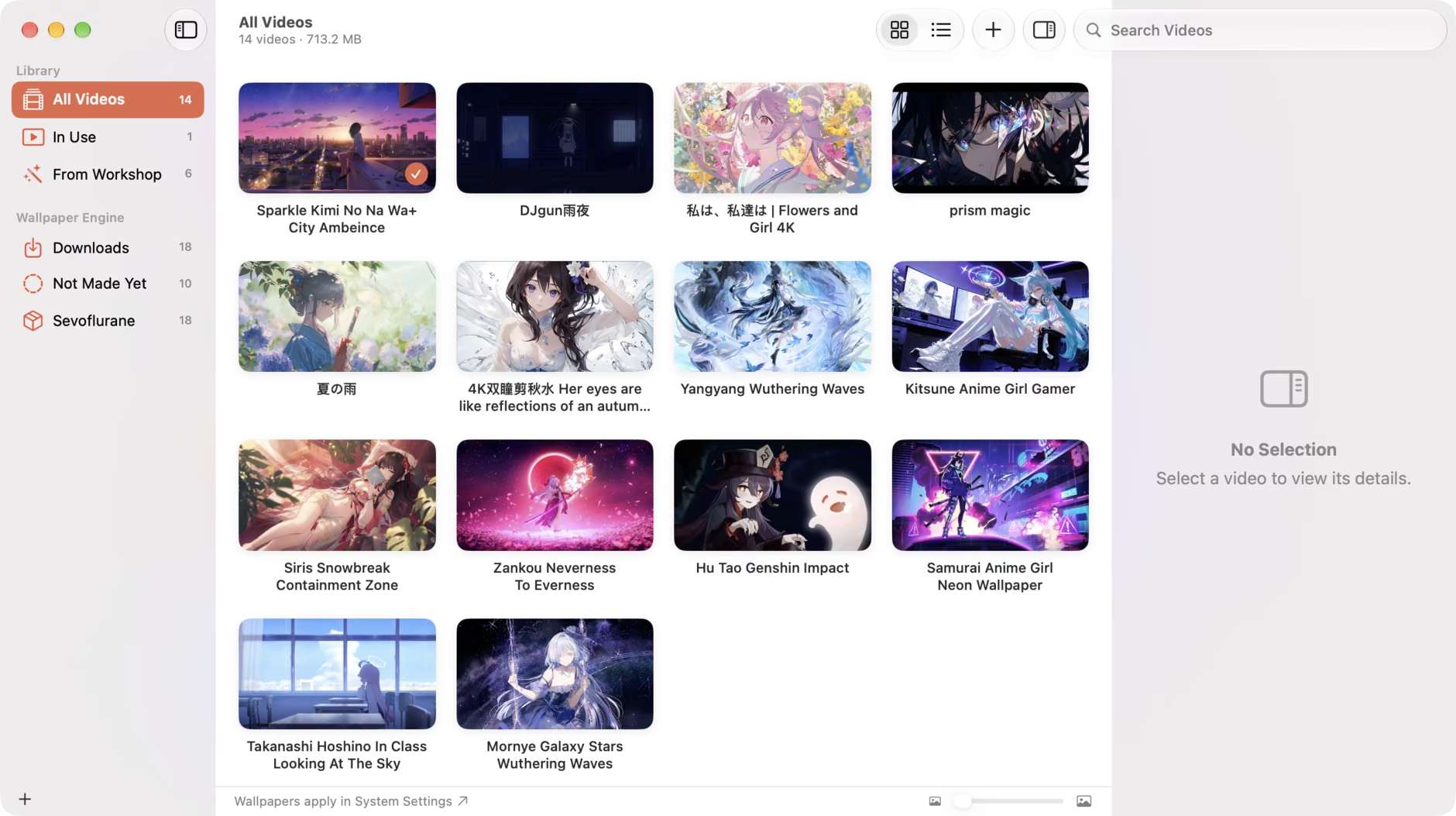

- 01Supports videos your Mac can decode: MP4, MOV, HEVC, H.264, and ProRes.
- 02Set wallpapers per display and per Space.
- 03Frame-accurate, gapless looping.
- 04Pauses on battery, dimming, occlusion, and thermal limits. Stops processing after 30 seconds idle.
- 05Bring your own videos; the app includes no catalog.
- 06Free and open source under the MIT license.
- 07Counts itself in only if you say so: one anonymous check-in a day, and nothing that names you.
- 08Turns Wallpaper Engine wallpapers from the Steam Workshop into video wallpapers.
03 ・ the workshop
Wallpaper Engine wallpapers, on a Mac.
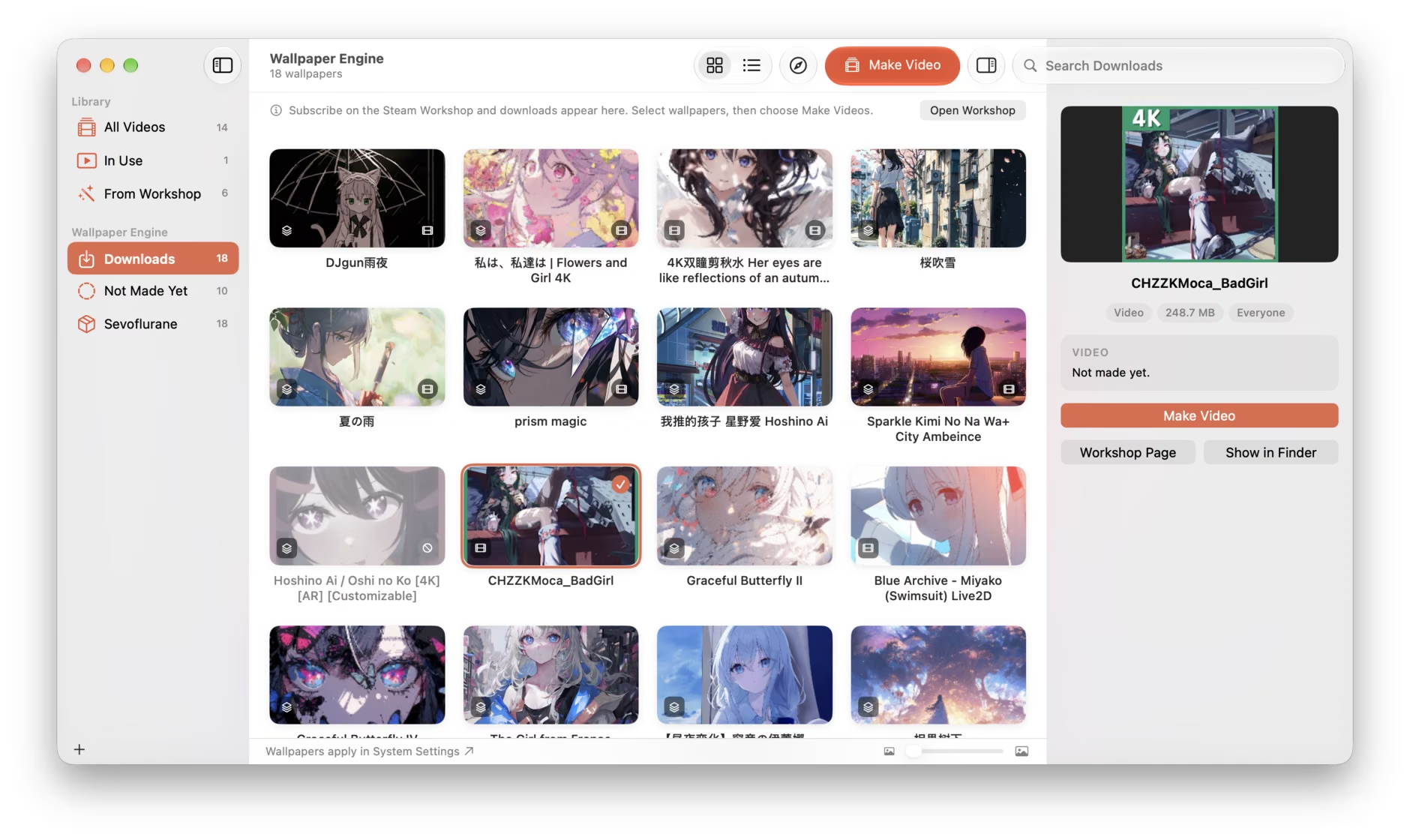
The Steam Workshop has hundreds of thousands of animated wallpapers made for Wallpaper Engine, a Windows program. Phosphene turns them into video wallpapers.
Subscribe to wallpapers in Steam, pick them in Phosphene’s Wallpaper Engine section, and choose Make Videos. Each one becomes a looping video, ready to select in System Settings → Wallpaper.
Wallpaper Engine runs in Windows Steam. Sevoflurane brings that Steam to your Mac: free, from the same developer.
Get Phosphene
macOS 26 · Apple silicon & Intel · free · MIT
Download Phosphene ↓