
rx no.004 ・ disk image designer
Rilmazafone
Design the disk image.
Arrange icons and backgrounds on a canvas that matches Finder’s window, then build a signed .dmg in one click.


処方 ・ features
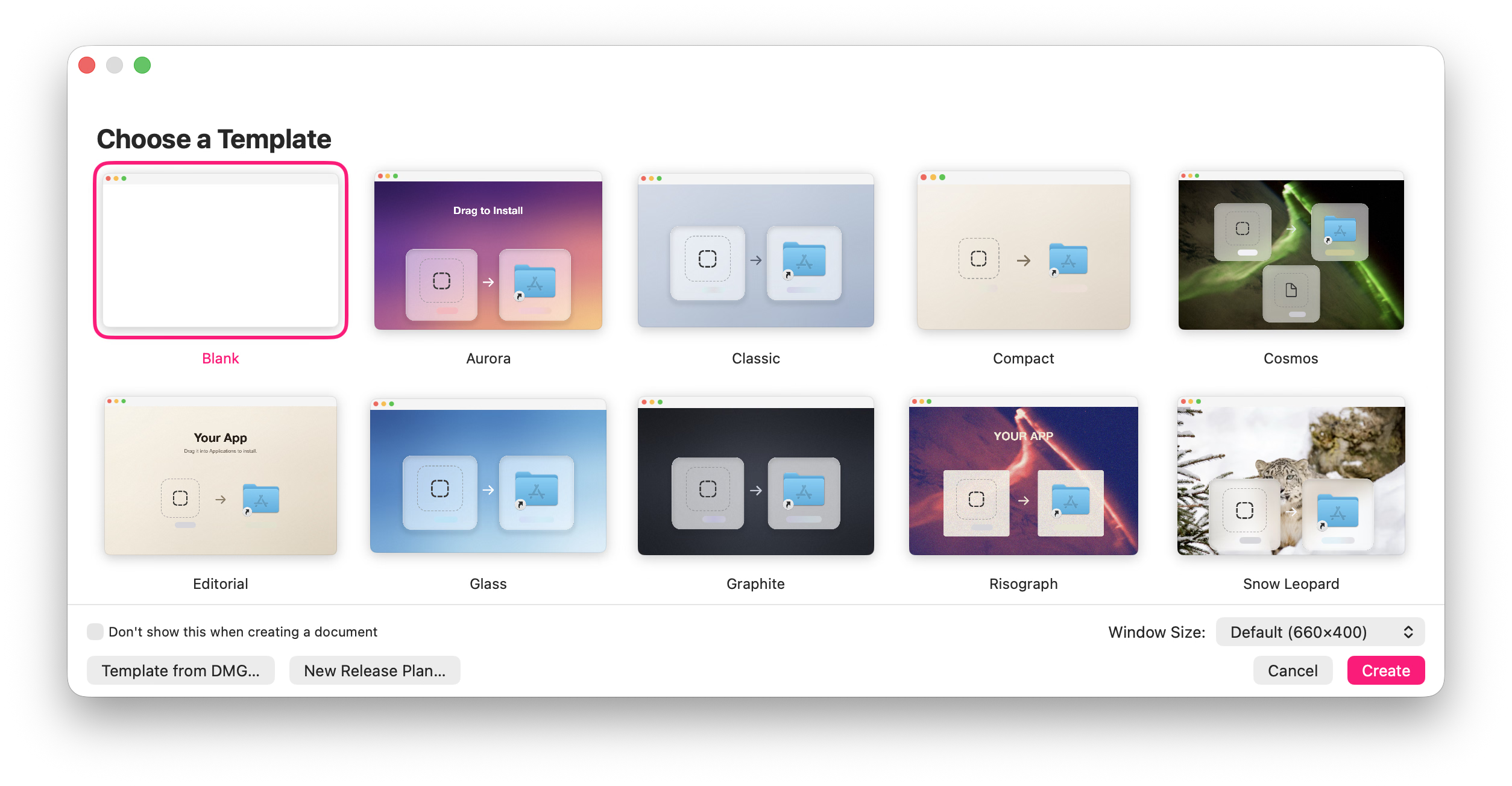
01Finder layout. Place icons with guides for centers, thirds, and neighboring items.
02Layered backgrounds. Images, gradients, or solid colors — with color adjustments, vignette, and bloom.
03Variable blur. Linear or radial masks, live on the canvas.
04Text and symbols. Styled text and SF Symbols rendered into the background.
05Frosted panels. Per-icon frosted panels with shadow, bevel, and blend modes to keep labels readable.
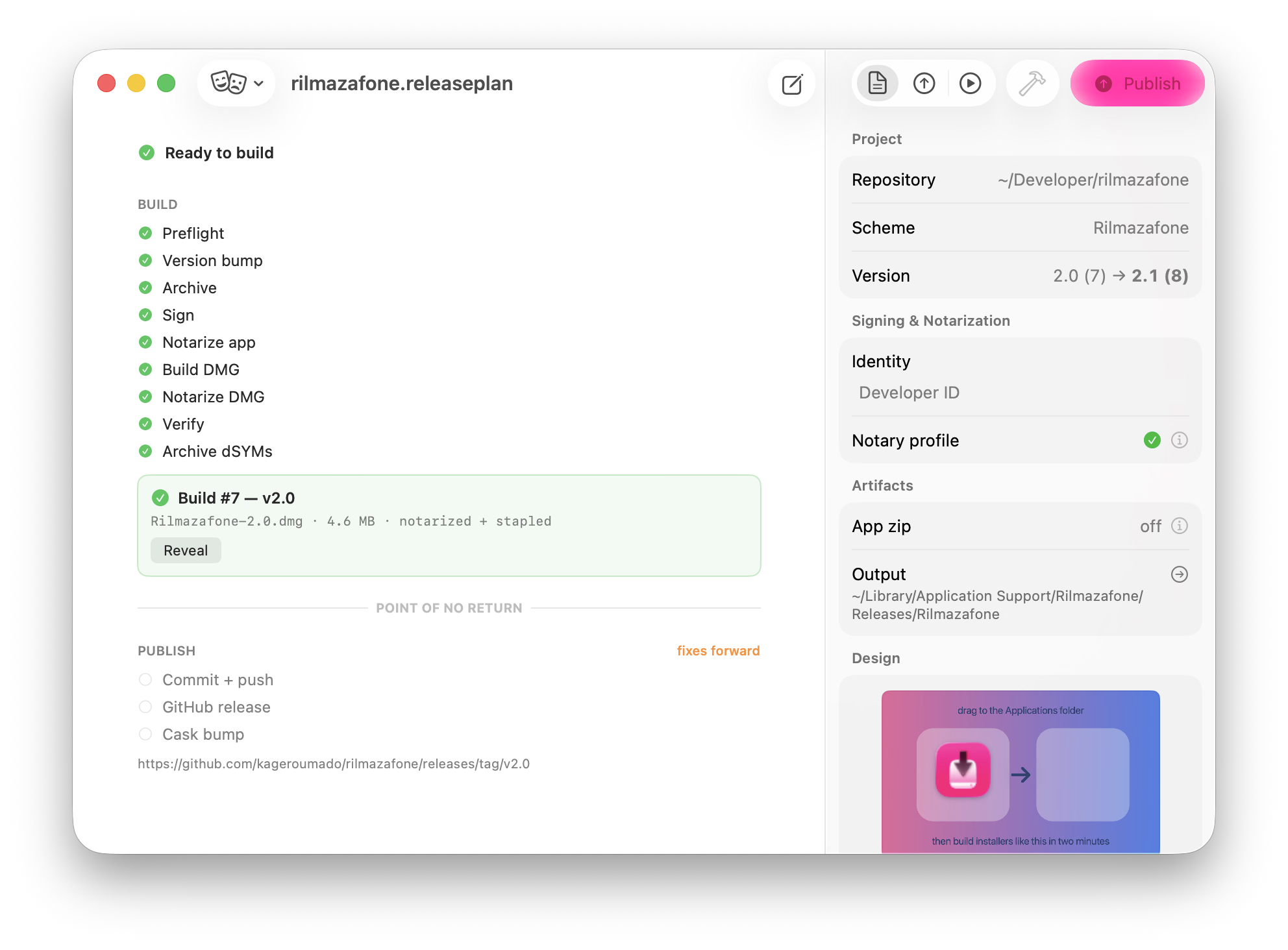
06Build and sign.
UDZO, UDBZ, LZFSE, or LZMA; HFS+ or APFS; signed with an identity from your keychain.制作 ・ release tools
From template to release.
Get Rilmazafone
macOS Tahoe 26 · open source · MIT